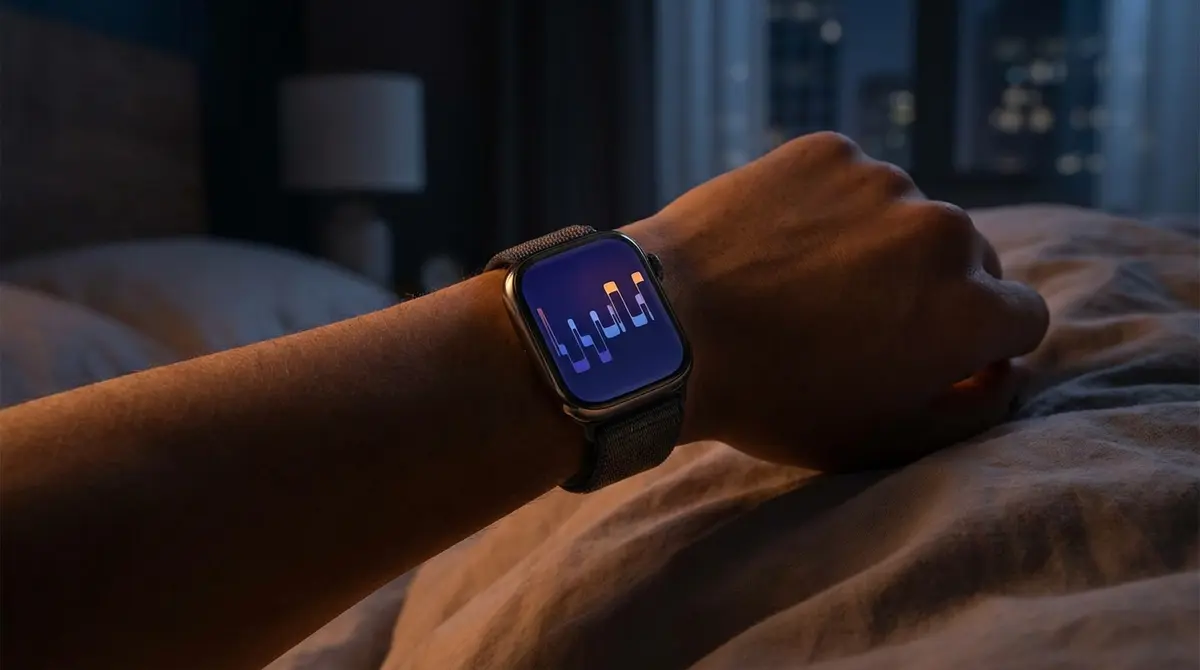
It wasn’t long ago that Apple’s native sleep tracking capabilities were limited to simple bedtime reminders and “Wind Down” routines. However, the landscape of wrist-based health monitoring has shifted dramatically in recent years. With the introduction of sleep staging in 2022 and the recent rollout of FDA-cleared sleep apnea detection in watchOS 11, the Apple Watch has evolved from a passive accessory into a sophisticated diagnostic tool. For users navigating the Apple ecosystem, the Health app on iPhone now serves as a central hub for data that rivals specialized medical devices.
While the hardware handles the overnight monitoring, the software requires specific configuration to unlock these insights. Understanding how to interpret this data—ranging from REM cycles to breathing disturbances—is essential for anyone looking to optimize their recovery.
How do I set up sleep tracking on Apple Watch?
Tracking sleep within the Apple ecosystem relies on a symbiotic relationship between the iPhone and the Apple Watch. The iPhone acts as the command center for scheduling and long-term analysis, while the Watch serves as the sensor array. To begin, users must configure the “Sleep” focus in the Health app on their iPhone. This involves setting a sleep goal and defining a typical schedule for bedtimes and wake-up times.
While it is possible to maintain a sleep schedule using only an iPhone, detailed biometric data requires a compatible Apple Watch worn to bed. According to support documentation, basic tracking functions are available on models running watchOS 8 or later. However, to access the modern suite of features—including granular sleep stages—users must be running watchOS 9 or newer. Once the “Sleep Focus” is active, the Watch automatically turns off its always-on display and minimizes distractions to preserve battery life and reduce light exposure.
What advanced sleep metrics are available in Apple Health?
The introduction of watchOS 9 marked a significant turning point for Apple’s health algorithms. Prior to this, the device primarily tracked “time asleep.” Now, the Health app breaks down the night into distinct Sleep Stages: REM, Core, and Deep sleep. These metrics are calculated using signals from the accelerometer and heart rate monitor, which detect subtle changes in movement and pulse variability associated with different phases of the sleep cycle.
With the release of watchOS 11 in September 2024, Apple expanded this dataset further with the new Vitals app. This feature establishes a daily baseline for key overnight metrics, including:
Heart rate
Respiratory rate
Wrist temperature
Blood oxygen levels
The Vitals app aggregates this data to provide a holistic view of nightly recovery, flagging outliers that might indicate illness or excessive physical strain.
Does the Apple Watch detect sleep apnea?
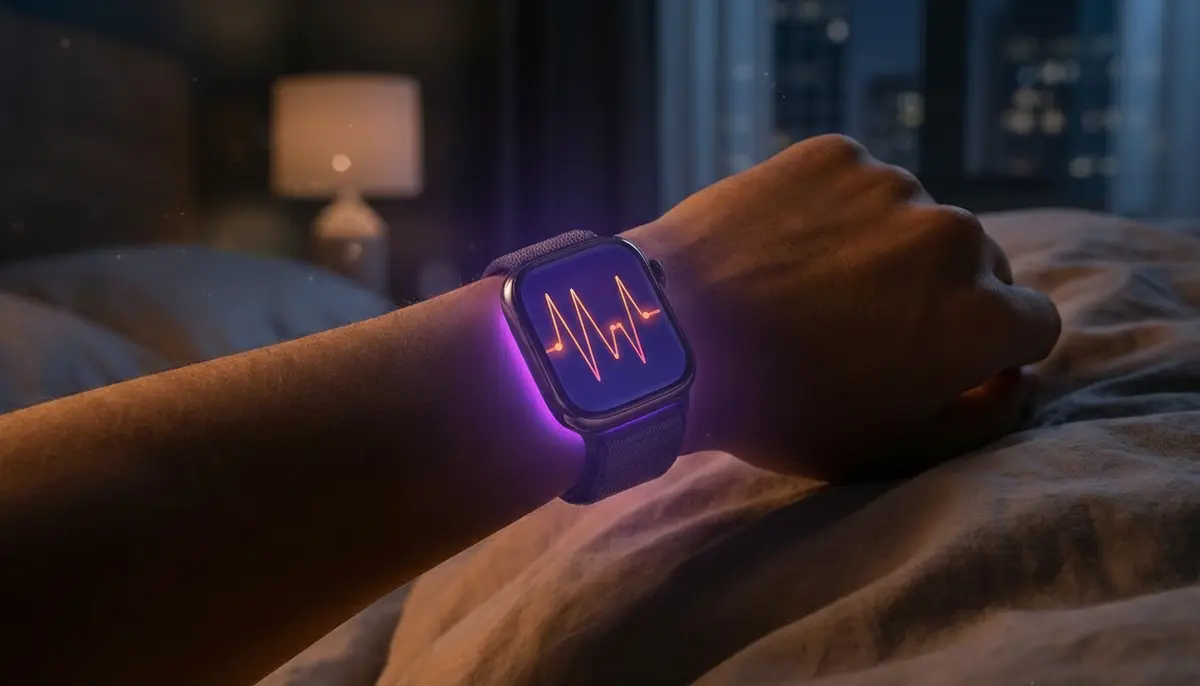
One of the most significant developments in the 2024 update is the addition of sleep apnea detection, a feature that transitions the Apple Watch from wellness tracking into the realm of regulated medical screening. This capability is available on the Apple Watch Series 9, Series 10, and Ultra 2 models running watchOS 11.
The system utilizes the watch’s accelerometer to monitor “breathing disturbances”—micro-movements at the wrist associated with interruptions in normal respiratory patterns. According to Dr. Matt Bianchi, a key figure in the feature’s development, the algorithm was validated using a dataset of clinical-grade sleep apnea tests. If the device detects consistent signs of moderate to severe sleep apnea over a 30-day period, it alerts the user, prompting them to consult a healthcare provider. Mashable notes that this specific feature recently received clearance from the Food and Drug Administration (FDA), underscoring its validity as a health screening tool.
ByteWire Analysis: The Convergence of Consumer and Clinical Tech
Apple’s strategic pivot toward clinical validation represents a major disruption in the $25 billion global sleep tech market. By securing FDA clearance for sleep apnea detection, Apple is directly challenging the necessity of specialized medical equipment for initial screening. This moves the value proposition of the Apple Watch beyond simple fitness tracking (steps and calories) to preventative medicine. It places significant pressure on competitors like Samsung—who recently launched the Galaxy Ring—and Oura Health to accelerate their own regulatory approvals to remain competitive in the “invisible” health tracker space.
How does Apple Watch accuracy compare to Oura and Fitbit?
Despite Apple’s rapid advancements, dedicated recovery trackers still hold ground in specific areas. A 2024 study referenced by Tom’s Guide compared various wearables against the gold standard of polysomnography. The study found that the Oura Ring Gen 3 performed best, boasting up to 10% greater accuracy in sleep staging compared to its peers. The same report noted that the Apple Watch had a tendency to overestimate both light sleep and deep sleep.
However, for users deeply integrated into the Apple ecosystem, the convenience of having sleep apnea detection, atrial fibrillation history, and Vitals data in a single dashboard often outweighs minor discrepancies in staging accuracy. While devices like the Oura Ring and Whoop strap offer superior battery life and a less obtrusive form factor, Apple’s integration of FDA-cleared medical features provides a different tier of utility.
What This Means
The integration of clinical-grade diagnostics into consumer wearables signals a future where healthcare becomes proactive rather than reactive. As devices like the Apple Watch and its competitors become more adept at monitoring baseline vitals and detecting anomalies like sleep apnea, users will be equipped with the data needed to address chronic conditions before they become acute. The next battleground for these tech giants will likely be in the interpretation of this data—moving from simply showing a graph of “Deep Sleep” to providing actionable, AI-driven coaching on how to improve it.