Ever wished recording your videos was simpler? If you are a creator, you probably know the headache of duct-taping your workflow together. You might use Zoom or Riverside to capture a guest interview, bounce over to Descript to chop up the footage, and finally open Canva to design a thumbnail. It is an exhausting process that eats up time you could spend actually creating. Now, Substack is stepping in to solve this exact problem.
According to reports from the company, Substack has officially launched a new desktop feature called Recording Studio. This built-in tool allows creators to pre-record solo videos or host conversations with up to two guests without ever needing to go live. By bringing the entire production process into its own ecosystem, Substack is making a massive play to become your all-in-one multimedia hub.
How Does the Substack Recording Studio Actually Work?
Think about your current workflow. Until now, publishing a polished, pre-recorded video on Substack meant relying on a patchwork of third-party applications. The new Recording Studio aims to change that by offering a seamless, vertically integrated experience directly from your desktop.
![Illustration related to How Substack Recording Studio Works to Replace Zoom [Guide]](https://bytewire.press/wp-content/uploads/bytewire-images/2026/03/substack-built-in-recording-studio-video-workflow-41ea7f94e5.webp)
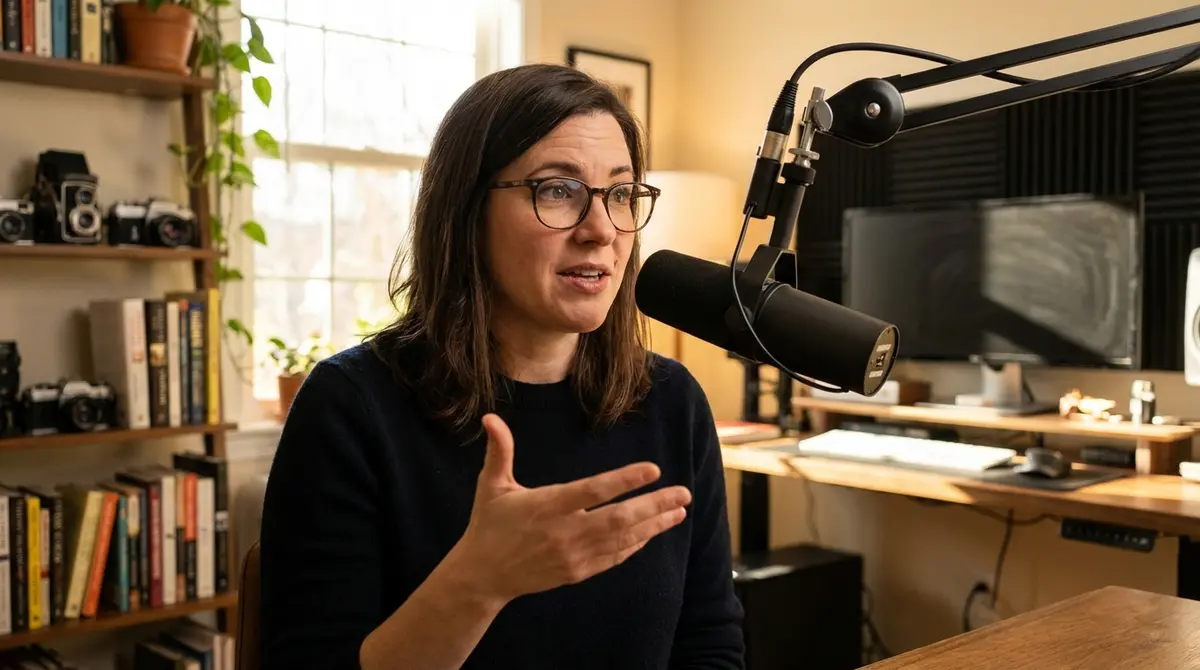
With the Recording Studio, you can record high-quality video and audio straight into the platform. Whether you are flying solo or bringing on one or two guests for a deep-dive interview, the studio handles the heavy lifting. And speaking of convenience, the platform allows you to inject your custom publication branding right into the show. You can easily add your logos or wordmarks directly into the recorded video, ensuring your content looks professional and distinctly yours before you even hit publish.
What Are the New Editing and Screen-Sharing Features?
But wait, there is more! The magic of the Substack Recording Studio does not stop when you finish talking. Once your recording session ends, the platform automatically generates shareable video clips and custom thumbnails. This streamlines the notoriously tedious post-production process, giving you ready-to-share promotional assets instantly.
![Diagram related to How Substack Recording Studio Works to Replace Zoom [Guide]](https://bytewire.press/wp-content/uploads/bytewire-images/2026/03/substack-built-in-recording-studio-video-workflow-6a394e0ffe.webp)
Get our analysis in your inbox
No spam. Unsubscribe anytime.